Quickguide to livestreams

On this page you can find the answers to the following questions. Click on a question to go to the answer.
Is your question not listed? Visit this page for the extended frequently asked questions or contact us via emtv@oudemuziek.nl.

1. What is a live stream?

1. What is a live stream?

Live streams are (recordings of) concerts that are broadcast online. EMTV Premium subscribers have free access to livestreams. You can buy livestreams as pay-per-concert.

Go back to top ↑

2. When does the live stream start?

2. When does the live stream start?

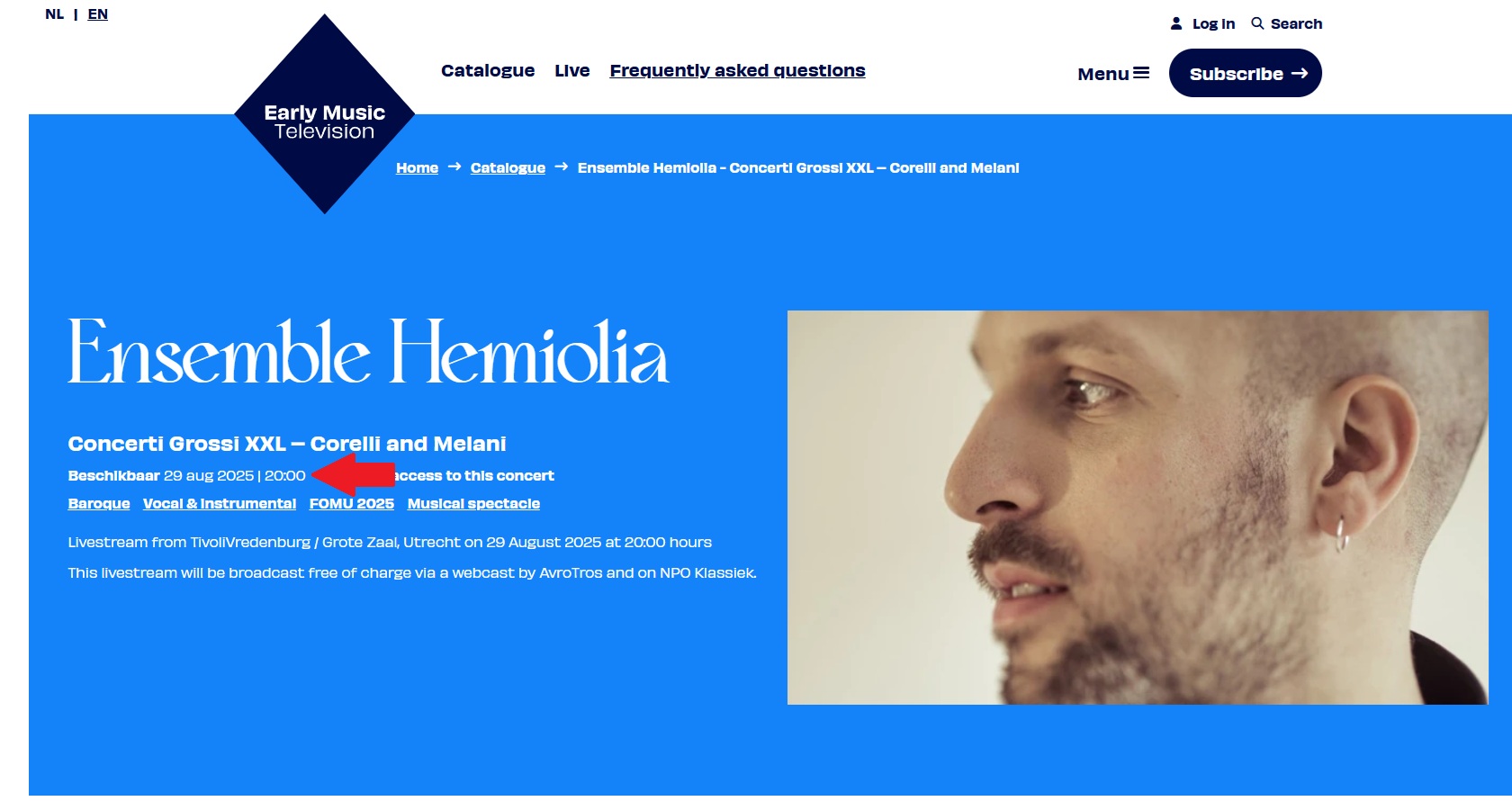
The date and time of the broadcast can be found at the top of the page under the concert title. From about 15 minutes before the start, a countdown timer will start. Don't see a countdown timer shortly before the start? Then try refreshing the page first.

See also the screenshot below. Click on the image to enlarge.

Go back to top ↑

3. What is pay per concert?

3. What is pay per concert?

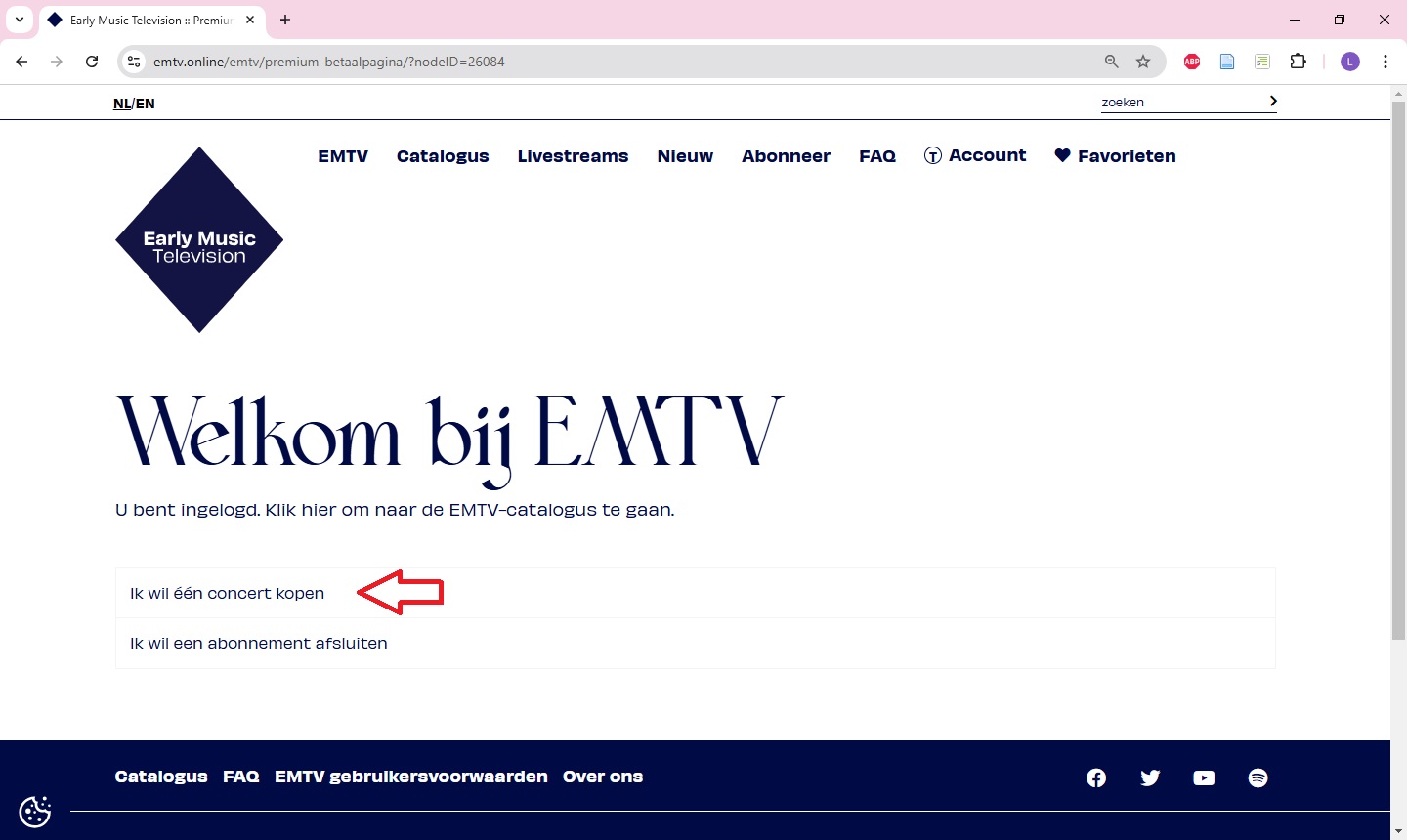
Pay per concert means that you do not take out a subscription, but pay separately per concert. You do need to create an account to buy concerts. All concerts in the catalogue and premium content are available as pay-per-concert. After purchasing a concert, you will have access indefinitely.

Go back to top ↑

4. How do I buy a concert as pay per concert?

4. How do I buy a concert as pay per concert?

Purchasing a single concert is as follows:

  1. Create an account or log in with your existing account.
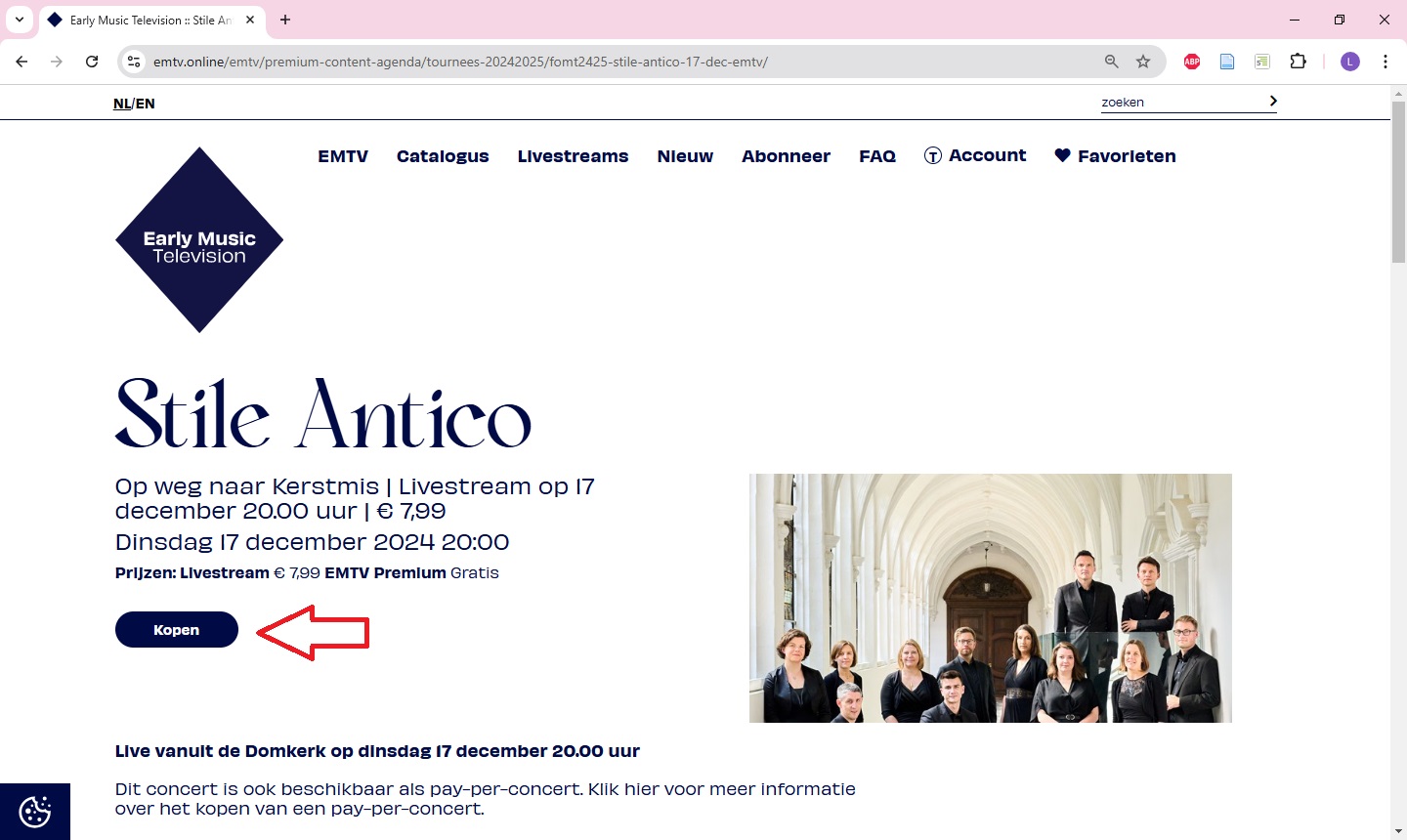
  2. Go to the webpage of the concert you want to buy.
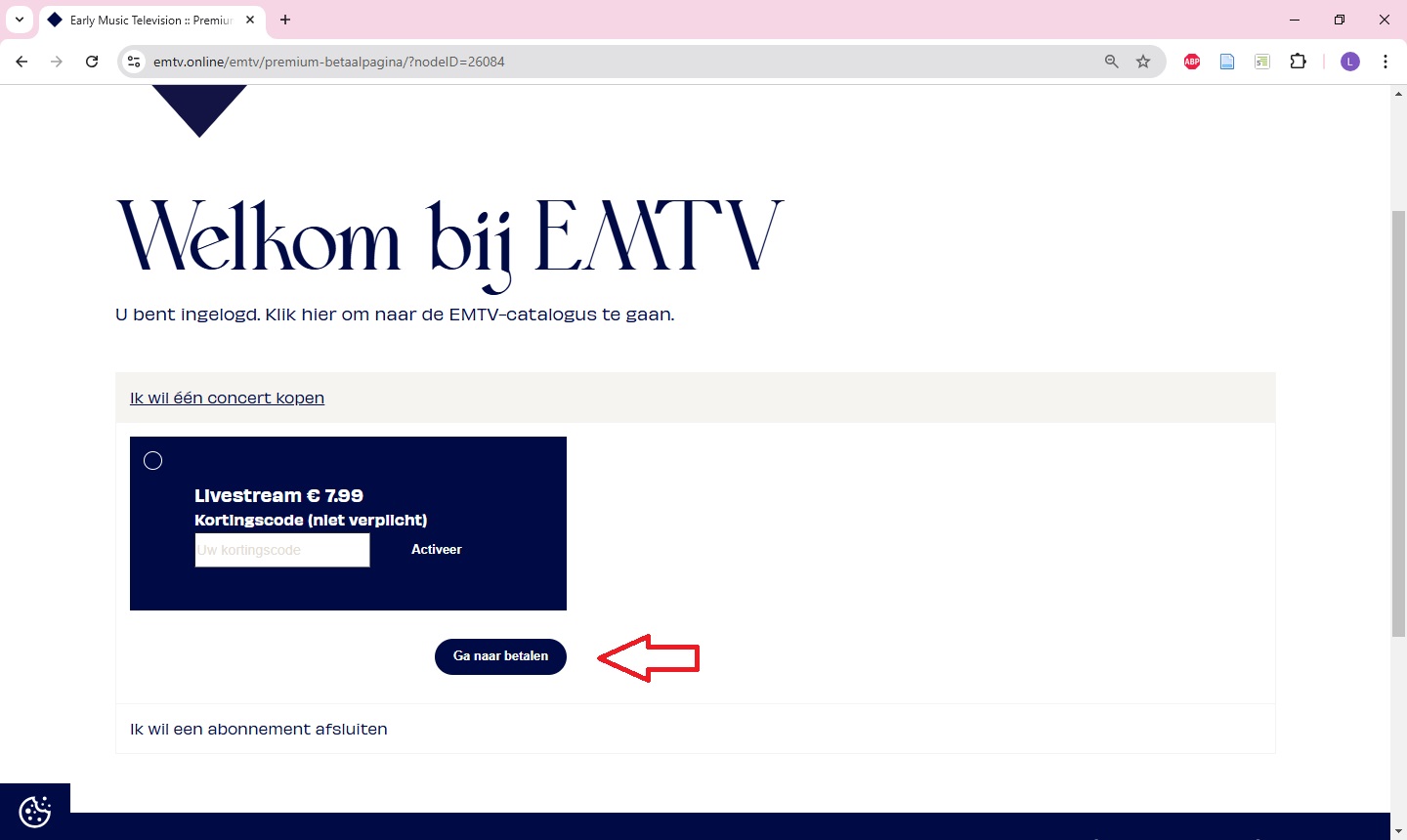
  3. Click on “Buy” to purchase the concert as a pay-per-concert.
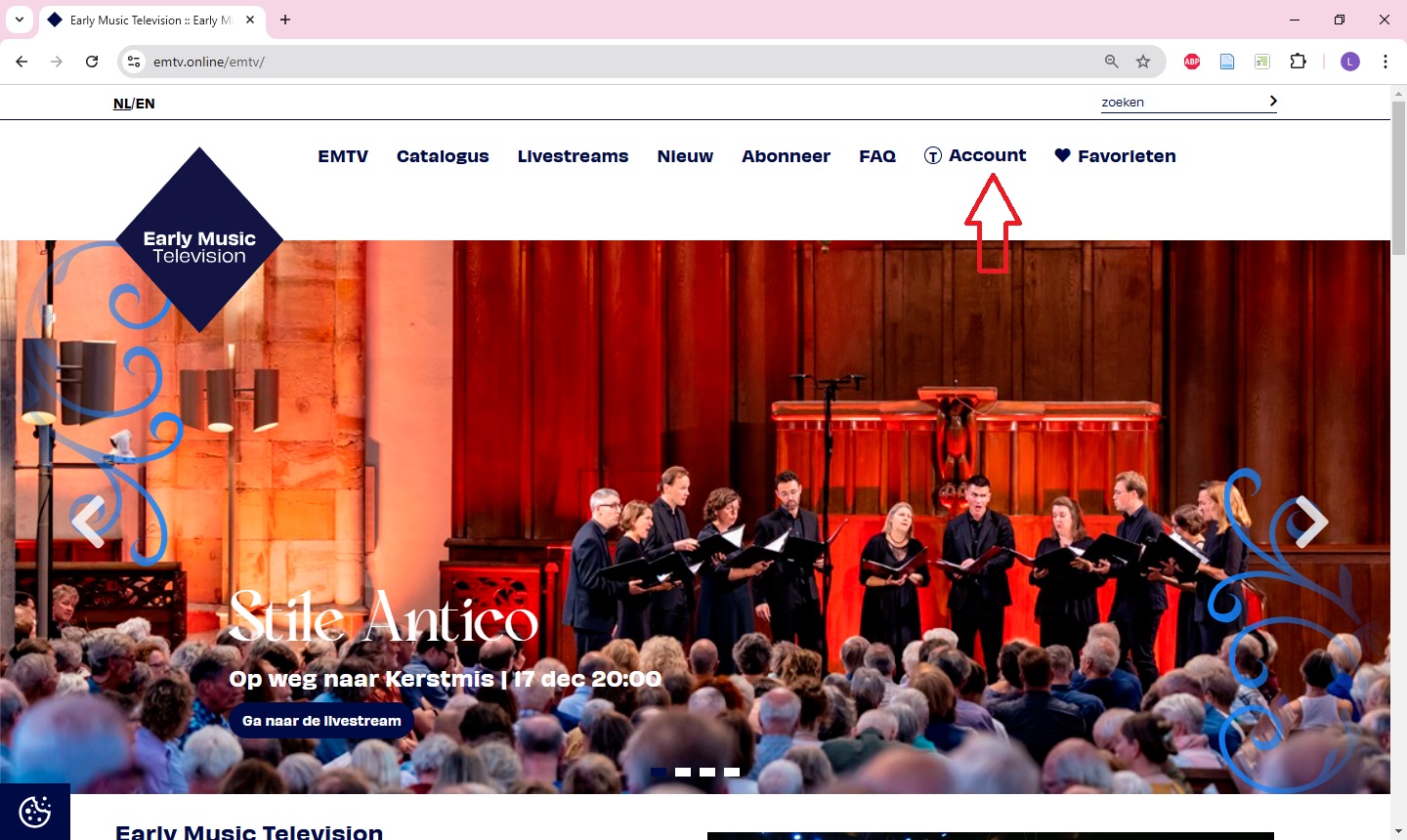
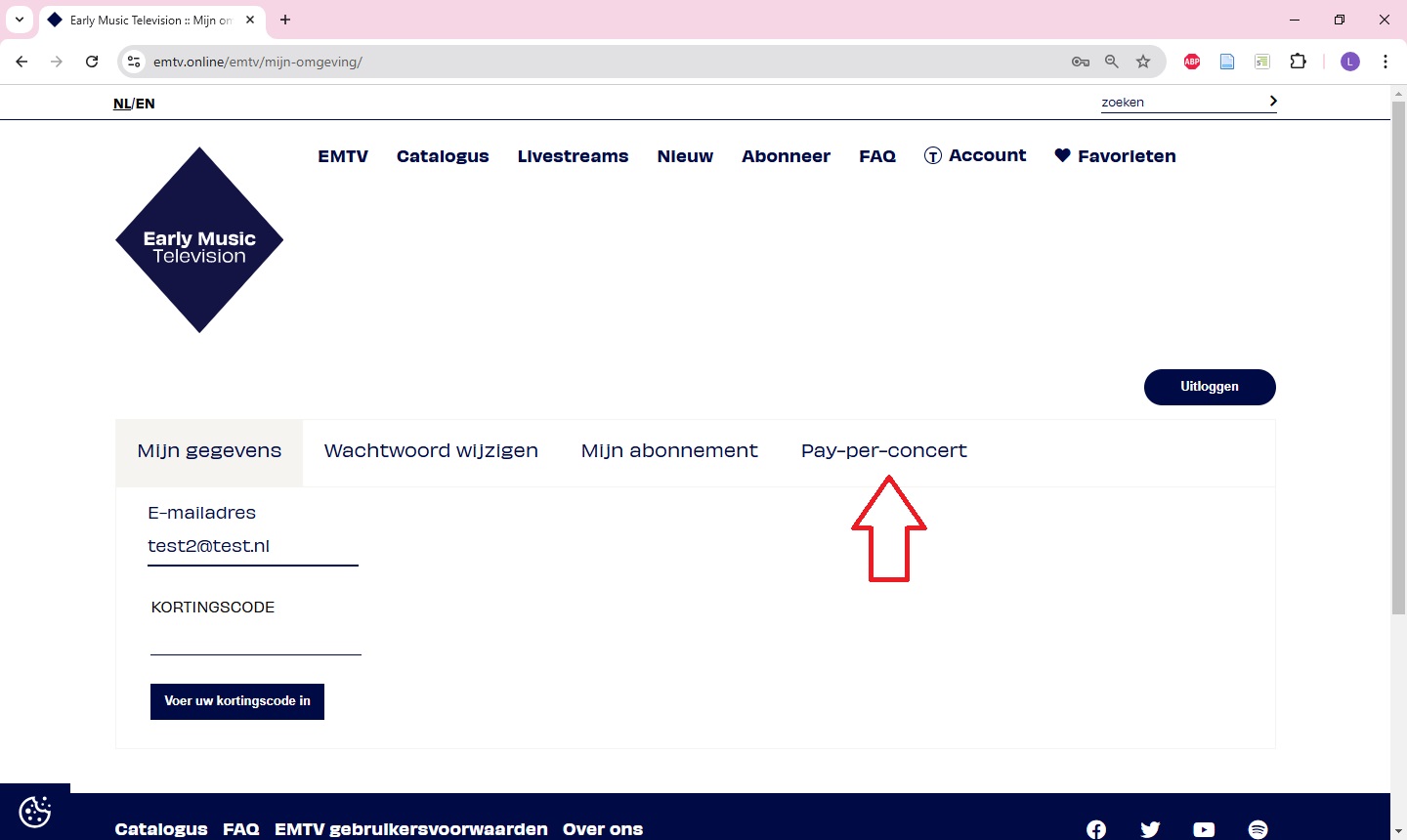
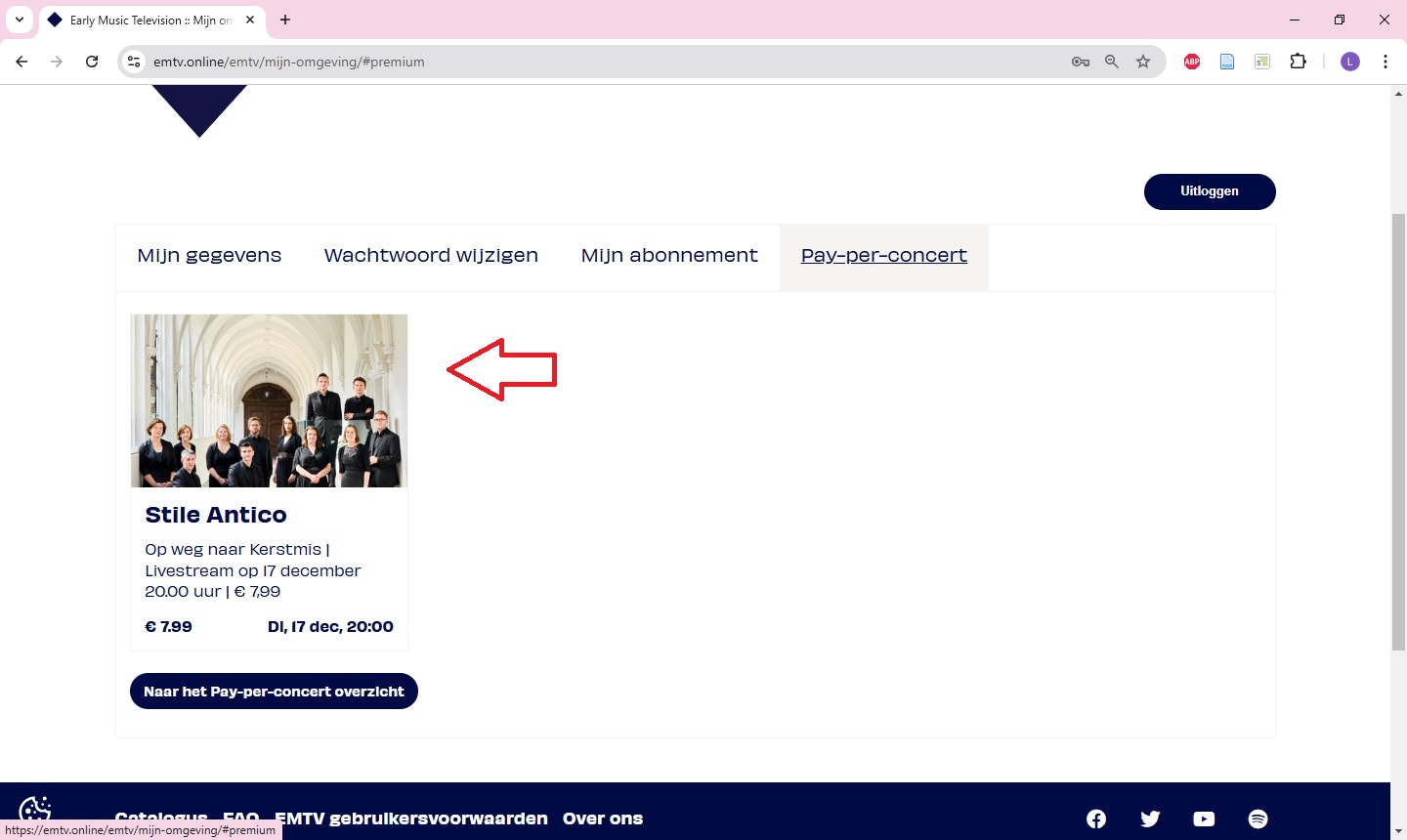
  4. After you have paid, you will find the concert under “Account” under “My purchased concerts”.


Go back to top ↑

5. Where can I find the concerts I have purchased as pay per concert?

5. Where can I find the concerts I have purchased as pay per concert?

You can find the concerts you have purchased in your account under the “My purchased concerts” tab. 

Go back to top ↑

6. Which payment methods are accepted?

6. Which payment methods are accepted?

To purchase a subscription, you can pay via iDeal or credit card. To purchase a pay per concert, you can pay via iDeal, credit card or PayPal.

Go back to top ↑

7. How do I watch EMTV on my TV?

7. How do I watch EMTV on my TV?

The easiest option is to connect a laptop or desktop computer to the TV with a cable (HDMI). You then use the TV as a computer screen, so to speak, while using the computer's keyboard and mouse. Then open www.emtv.online in the browser. If you have a smart TV, it is sometimes also possible to watch via the web browser on the TV.

Go back to top ↑

8. Can I use a Chromecast for EMTV?

8. Can I use a Chromecast for EMTV?

If you have a Chromecast, or your TV has this functionality built in, you can cast EMTV to your TV from another device. You can do this from an Android phone, Android tablet or from another device that has the Chrome browser. You can find an explanation on this at https://support.google.com/chromecast/answer/3228332?hl=nl.

Chromecast is not actively supported by Vimeo. It is possible that Chromecast may work in some cases and won't work in others. There is most likely nothing that can be done about any playback problems.

Note that when you cast from a phone or tablet, it often works best if you cast the whole screen and then set the video to full screen. 

Go back to top ↑

9. Can I use AirPlay for EMTV?

9. Can I use AirPlay for EMTV?

If you have an Apple TV, or your TV has this functionality built in, you can play EMTV on your TV from another device. You can do this from an iPhone, iPad or laptop or Mac desktop computer. You can find the explanation on this at https://support.apple.com/nl-nl/HT204289

AirPlay is not actively supported by Vimeo. It is possible that AirPlay may work in some cases and won't work in others. There is most likely nothing that can be done about any playback problems.

Go back to top ↑

10. The video does not start.

10. The video does not start.

If a video does not start playing, please take the following steps:

  • First, try reloading the web page by clicking ‘refresh’ in the browser.
  • Have you accepted all cookies?
    • To play the videos, you need to accept all cookies. You can change your preference via "Cookie settings" at the bottom right of the page.
  • How are the privacy settings of your browser?
    • If, despite accepting all cookies, the videos still do not play, your browser's privacy settings may be too strict.
  • Did the pay per concert payment or subscription direct debit succeed?
    • If you have not completed your pay-per-concert payment properly or your EMTV subscription fee collection has failed, you cannot use EMTV (anymore). See ‘My direct debit failed’ for more information or contact us at emtv@oudemuziek.nl
  • Is your internet connection stable? Click here for more information.
  • Try starting the video on a different device.

If this does not help, please contact us at emtv@oudemuziek.nl. Please describe the problem in as much detail as possible, indicate which steps you have already taken, and state on which type of device and in which browser the problem occurs. Based on this information, we will try to help you.

Go back to top ↑
11. The video falters or keeps buffering.

11. The video falters or keeps buffering.

A stable internet connection is important to watch the videos on EMTV without any problems. If a video falters or keeps buffering, it is almost always caused by a poor internet connection. Check your internet speed via www.speedtest.net/en. A minimum internet speed of 8.0 megabits per second (Mbps) is required to play EMTV videos.

Is your internet speed good, but the video still keeps stalling? Contact us at emtv@oudemuziek.nl

Go back to top ↑

12. The video stops during playback.

12. The video stops during playback.

A stable internet connection is important to watch the videos on EMTV without any problems. If a video stops during playback, it is almost always caused by a poor internet connection. Check your internet speed via www.speedtest.net/en. A minimum internet speed of 8.0 megabits per second (Mbps) is required to play EMTV videos.

Is your internet connection fine but the video still stops playing? Contact us at emtv@oudemuziek.nl

Go back to top ↑

13. The video has no sound.

13. The video has no sound.

The lack of sound with the video can have several causes.

  • Is the video's sound on?
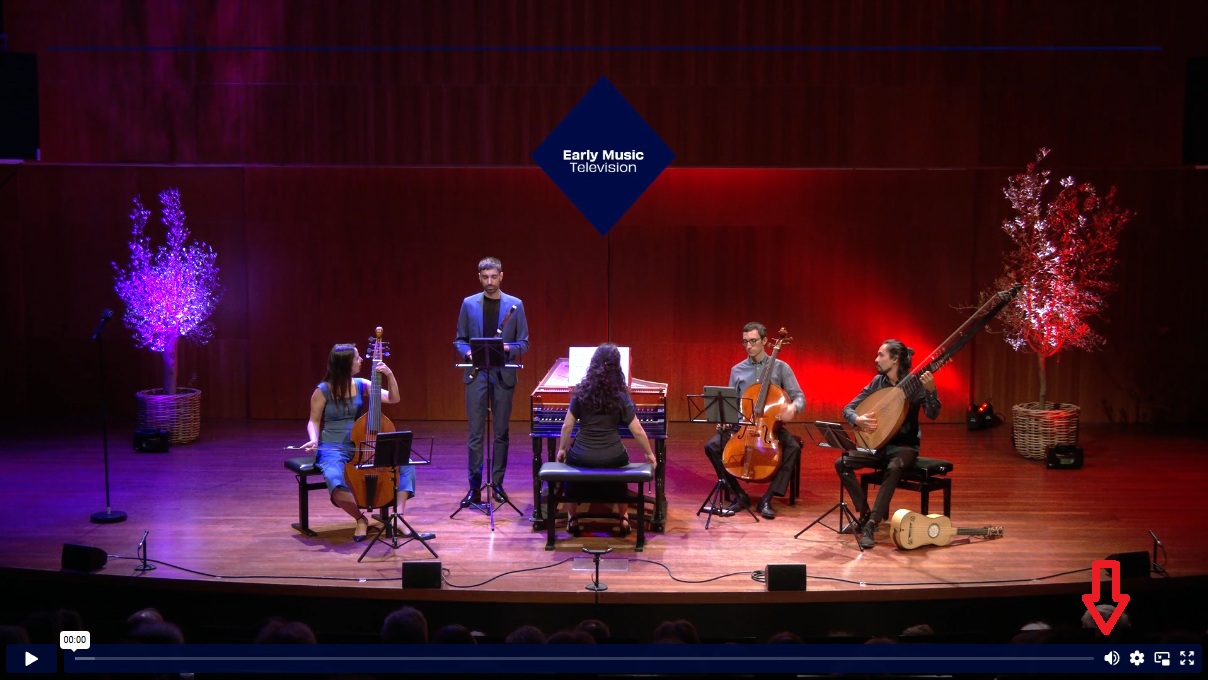
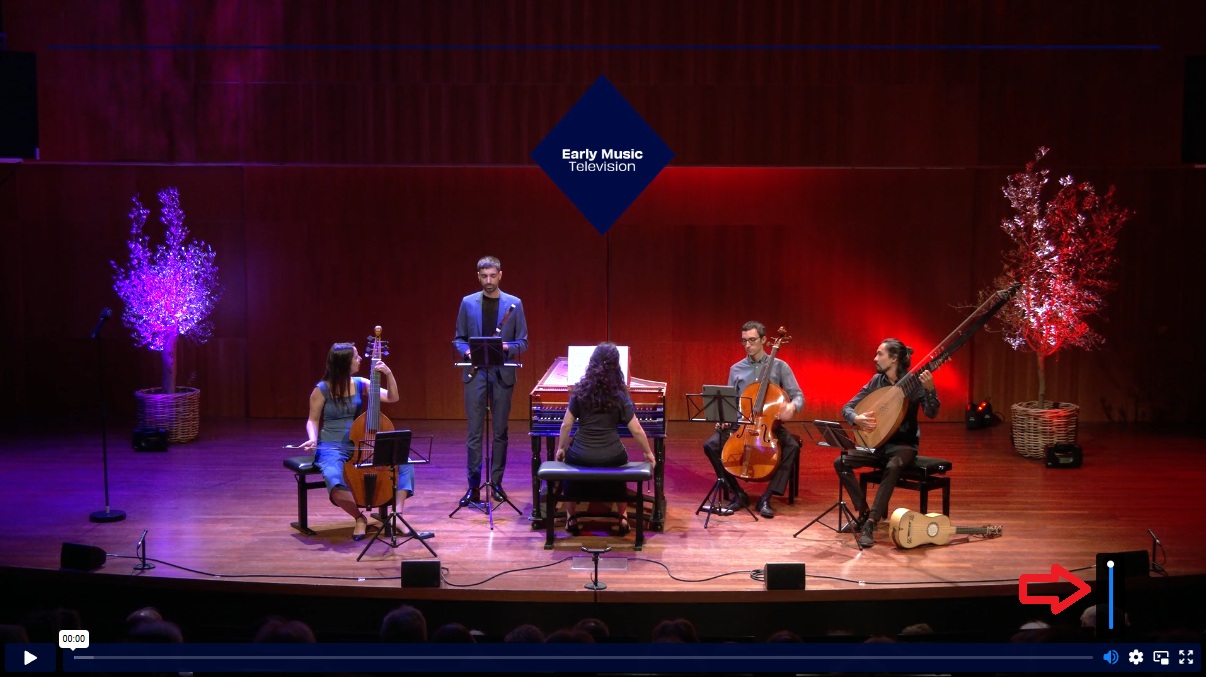
    • You will see a speaker icon at the bottom right of the video. If you hover the mouse or finger on the icon (do not click), a scroll bar appears. The more blue the slider is, the louder the sound is. See also the screenshots below. Click on the image enlarge.
  • Is the sound of the device (desktop computer, laptop, mobile phone, tablet or TV) you are watching on on?
  • Is the latest software (of the operating system and browser or tablet) installed?
  • Have you tried the video on a different device?

Have you followed all the above steps but still no sound? Contact us at emtv@oudemuziek.nl

Go back to top ↑

14. Are subtitles available with the concerts?

14. Are subtitles available with the concerts?

Unfortunately, our concerts and lectures are not subtitled. However, at concerts in which singing or speaking takes place, the song texts and translations are in most cases available as pdfs for downloading. You will find the pdfs on the page of the concert under the heading ‘Texts’.

Go back to top ↑